TL;DR: Harley transport mode is essential for safely trailering your motorcycle without draining the battery or triggering the alarm system. This guide shows you exactly how to activate it and when to use it.
- Prevent battery drain by disabling motion sensors during transport
- Step-by-step instructions for Touring and Standard models (2014–2020)
- Learn how to turn off Harley alarm for transport without losing security
- Understand when to use Harley trailer mode or Harley tow mode
- Avoid common mistakes like forgetting the key fob or skipping activation
What Is Harley Transport Mode and Why It Matters
If you’ve ever hauled your bike across state lines or prepped it for a rally weekend, you already know one thing—your Harley-Davidson® isn’t just cargo. It’s a finely tuned machine built for the ride. But without the proper setup, transporting your motorcycle can lead to a frustrating surprise: a dead battery.
This is where Harley transport mode (also known as Harley Davidson® transport mode, Harley tow mode, or Harley trailer mode) becomes essential. When your bike is equipped with a factory security system, motion sensors are always on alert. That’s great for theft prevention—but not so great when your bike is bouncing along in a trailer for hundreds of miles.
Without activating transport mode, your Harley’s alarm system can continuously trigger during transit, slowly draining your battery. By the time you unload, you may be stuck with a bike that won’t start.
Harley Trailer Mode: The Smart Way to Transport Your Bike
Transport mode is designed specifically to solve this problem. When activated, it disables the motion detection portion of your security system—effectively allowing your bike to move freely without triggering the alarm.
Think of it as putting your bike into “travel mode.” The security system is still active, but it won’t react to motion. This is why many riders refer to it as Harley trailer mode or Harley tow mode.
It’s also one of the easiest ways to turn off Harley alarm for transport without fully disabling your bike’s security features.
For riders who regularly travel to rallies, events, or long-distance destinations, using Harley transport mode isn’t just a convenience—it’s a must. It protects your battery, reduces unnecessary wear on electrical components, and ensures your bike arrives in the same ready-to-ride condition you expect from every Harley-Davidson®.
How to Put Harley in Transport Mode (Step-by-Step)
Let’s break it down by model so you can confidently get your bike road-ready—even when it’s not being ridden.
Touring Models (2019–2020)
Enter Harley Transport Mode
- Make sure your assigned key fob is within range.
- Turn the ignition switch to IGNITION.
- Before the security lamp turns off, switch the ignition to OFF.
- Within three seconds, press both the left and right turn signal switches simultaneously.
- The turn signals will flash once—confirming that Harley transport mode is active.
Once activated, you can remove the fob and move your motorcycle freely without triggering the alarm system.
Pro Tip: On models with a fairing, the odometer will display “TSPORT MODE ACTIVE” when engaged.
Exit Transport Mode
- Bring the assigned key fob within range.
- Turn the ignition switch to IGNITION.
That’s it—your bike is back to full operational mode and ready to ride.
Standard Touring Models (2014–2018)
How to Put Harley in Transport Mode
- Ensure your key fob is nearby.
- Turn the ignition switch to IGNITION.
- Before the security system lamp turns off, switch the ignition to OFF.
- Within three seconds, press both turn signal switches at the same time.
- Watch for the turn signals to flash once—this confirms Harley-Davidson transport mode is activated.
- Remove the fob, and your motorcycle can now be transported without setting off the alarm.
Exit Transport Mode
- Bring your assigned key fob within range.
- Turn the ignition switch back to IGNITION.
You’re ready to fire it up and hit the road.
CVO Models (2014–2018)
Transport mode steps can vary slightly depending on the configuration of your CVO model. For the most accurate walkthrough, refer to your owner’s manual or follow a verified Harley-Davidson® tutorial.
2013 Models and Earlier
Older Harley-Davidson® motorcycles may use different procedures to activate Harley tow mode or disable the alarm for transport. Because these systems vary, we recommend checking your model-specific manual or speaking with a certified technician.
When Should You Use Harley Tow Mode?
Knowing how to put Harley in transport mode is only half the equation—you also need to know when to use it.
You should always activate transport mode when:
- Trailering your bike long distances
- Shipping your motorcycle
- Moving your bike without starting the engine
- Storing your bike where it may be repositioned frequently
In short, if your Harley is moving without being ridden, Harley trailer mode should be on.
Avoid These Common Mistakes
Even seasoned riders can overlook transport mode. Here are a few pitfalls to avoid:
- Skipping transport mode before trailering: This is the fastest way to drain your battery.
- Forgetting your key fob: You’ll need it to both activate and deactivate the system.
- Assuming the alarm is fully disabled: Transport mode only disables motion detection—not the entire security system.
Understanding these details helps you properly turn off Harley alarm for transport without compromising security.
Ride Ready, Wherever You Land
At Southside Harley-Davidson®, we believe the ride starts long before the engine fires up. Whether you’re heading to a rally, delivering your bike cross-country, or storing it for the season, knowing how to use Harley transport mode ensures your motorcycle is ready when you are.
If you’re unsure about your specific model or want a hands-on walkthrough, stop by Southside Harley-Davidson® and connect with our team. We’ll make sure you’re dialed in, confident, and always ready for the next ride.
Because every mile matters—even the ones you don’t ride.


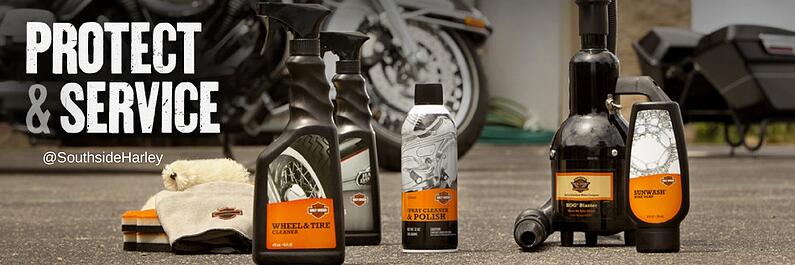
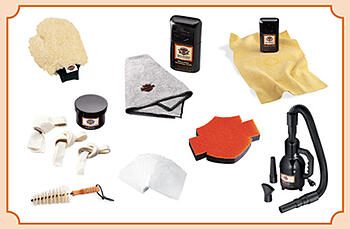 ndianapolis Southside Harley-Davidson offers lots of great tips, tricks, and advice for keeping your prized possession looking as shiny as the day you first rode it home.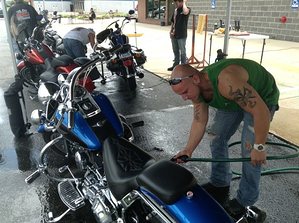

 It seems like such a simple question, but it’s one without a specific answer. There really is no “right” way to pack for a motorcycle trip (though there are plenty of wrongs). It is more a matter of personal preference. Just like some campers choose a backpack while others prefer an RV, we see riders strap a duffel bag between their handlebars, pull trailers behind their Harleys, and everything in between.
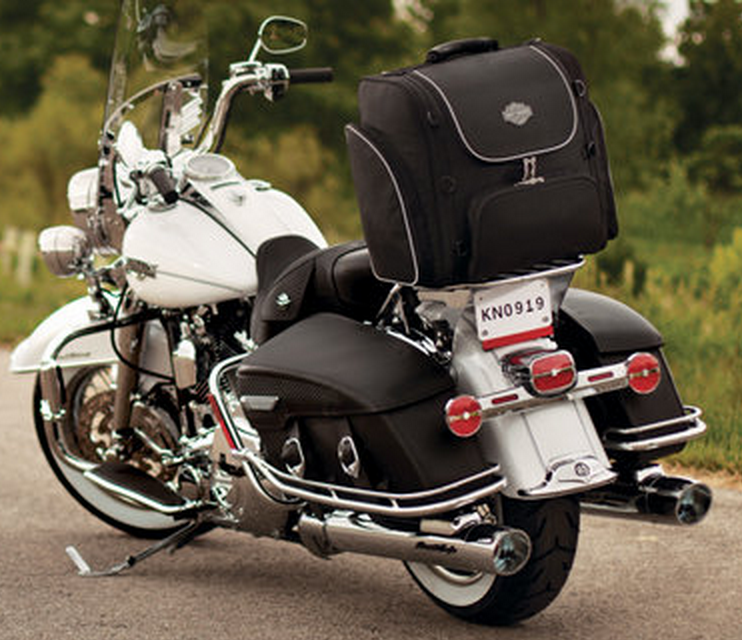 Most motorcycle riders plan for what they’ll bring on a road trip, but many often forget about what they’ll pick up along the way. Thankfully, Harley-Davidson has several